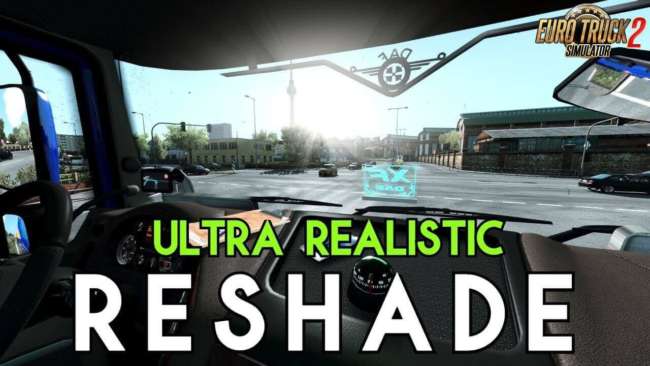
ULTRA REALISTIC RESHADE BY CHAPGAMINGTV V1.0
Description:
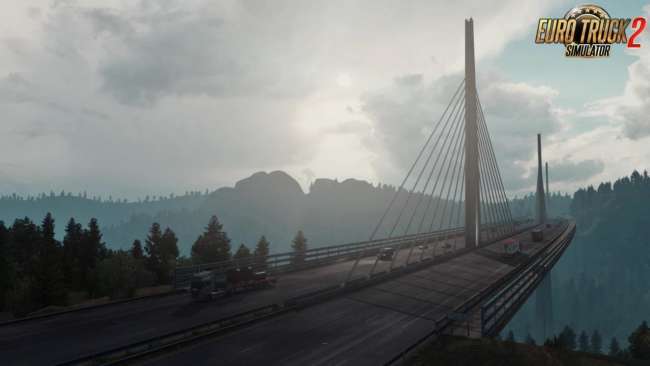
Ultra Realistic Reshade – game presets Reshade added for ETS2 and ATS game which improve game visuals for a better experience. This RESHADE setting works for Euro Truck Simulator 2 and American Truck Simulator.
Installation Instructions:
Step 1:
Optional Mod:
– Download and Install Project Next-Gen 2.0
https://forum.scssoft.com/viewtopic.php?t=247693
You can toggle mods
– WEATHER (Filmic) or WEATHER (Default)
Mods Order:
Activate
1. Base
2. Weather
Step 2:
– Download and Install the RESHADE Program
https://reshade.me/
Step 1:
– Find the ETS2 installation path in the bin / x64 folder and select the executable file (ets2.exe)
Step 2:
– Select the option (Direct3D 11/10/12)
Select the following Presets:
– AmbientLight.fx
– DPX.fx
– LiftGammaGain.fx
– Bloom.fx
– FilmicPass.fx
– Levels.fx
– Clarity.fx
– FineSharp.fx
– SMAA.fx
Step 3:
– Copy and paste the configuration files from the folders (ETS2_BETA and ETS2_FULL) into the bin / x64 folder
Step 4:
– To Activate the RESHADE Program within ETS2 Press the “Home” Key
a box will appear and in the upper left select in the “Home” tab the newly installed presets must appear with the name “Preset Edition ChapGamingTV” and “Preset Edition ChapGamingTV_BETA”
– They can alternate between one and the other changes the lighting contrast …
Tested on game version 1.36.x and 1.37.x
Authors:
ChapGamingTV
ProjectNG_2.0_-_All_in_one.7z – 691.3 MB modsbase.com/sharemods.com
* By clicking [Download mod] button you agree to leave this website. The link opens in the new tab. File is hosted in the external website. We are not responsible for the content of the external page and the possibility of free download of the file.