
SWEETFX FOR V1.25
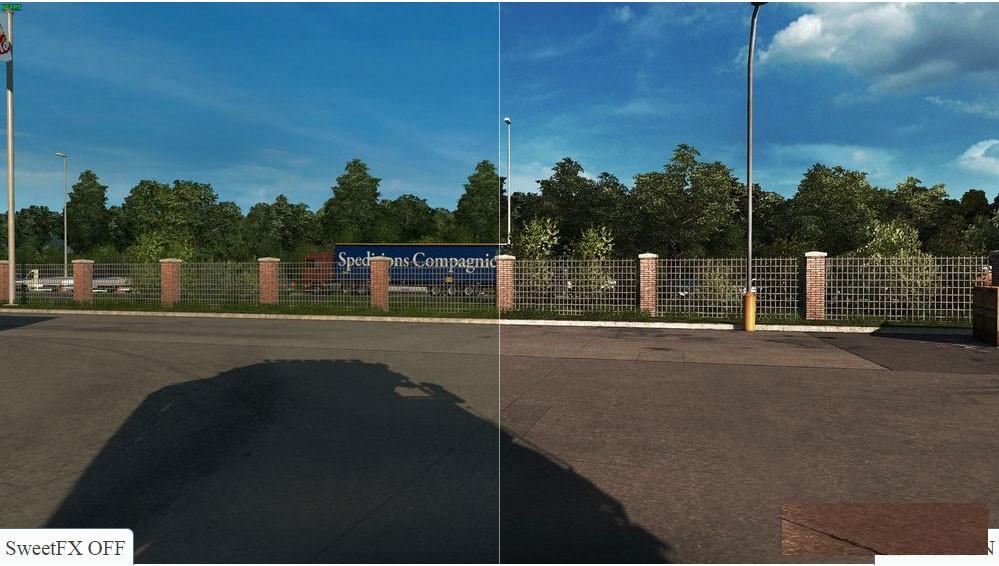
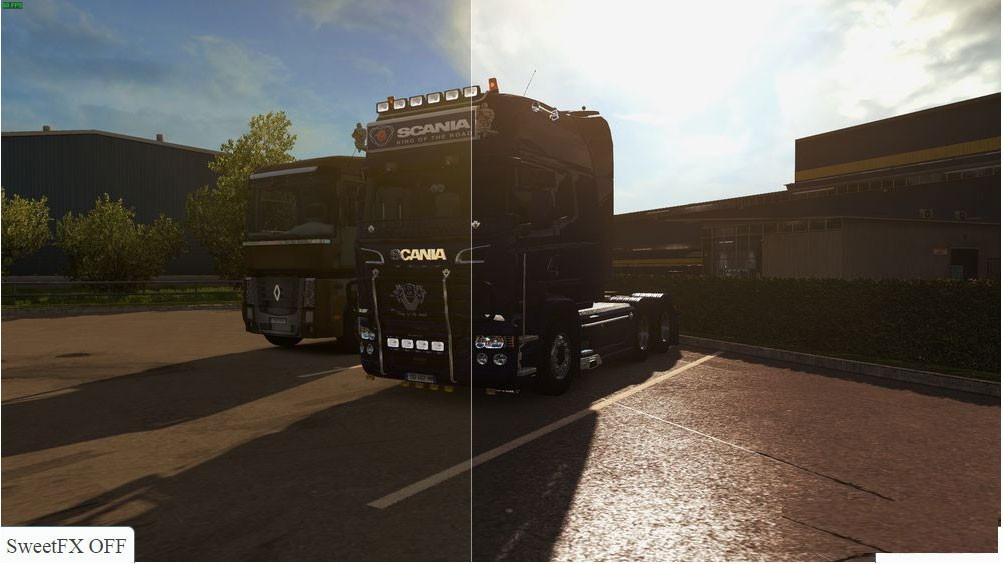
Description:
INSTALLATION:
1. Download Reshade + Sweet FX (All files in the rar!)
2. Unrar files and run Reshade setup, choose .exe of the game what you want to apply this preset.
3. Download this preset and rename to SweetFX_settings.
4. Finally open game folder then SweetFX folder and overwrite SweetFX_Settings with my preset.
CAUTION
This preset is for ETS2 1.25 or above ONLY. Not tested with others versions.
Ingame MLAA must be disabled.
Credits:
Br3ss4n, KORITO, ZIGI
SweetFX.zip – 1.1 MB uploadfiles.eu/sharemods.com
* By clicking [Download mod] button you agree to leave this website. The link opens in the new tab. File is hosted in the external website. We are not responsible for the content of the external page and the possibility of free download of the file.
Subscribe
0 Comments
Newest