RPM – Rheinland & Pfalz 1:1 Map v1.1 [1.50] – REUPLOAD
Descriptions:
# This map is not made by me i am uploading the map to here
RPM – Rheinland & Pfalz 1:1 Map v1.0
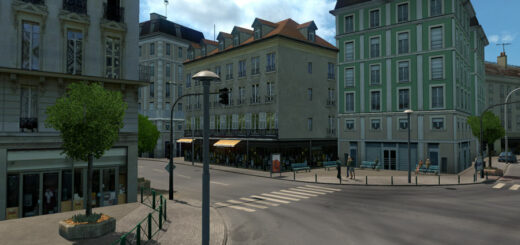
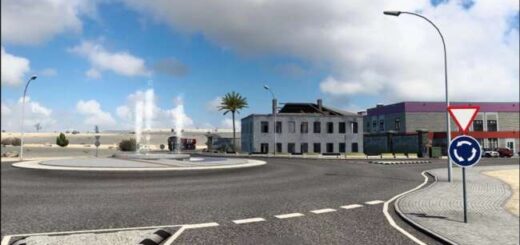
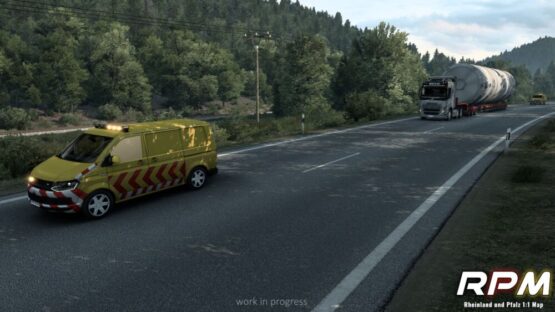
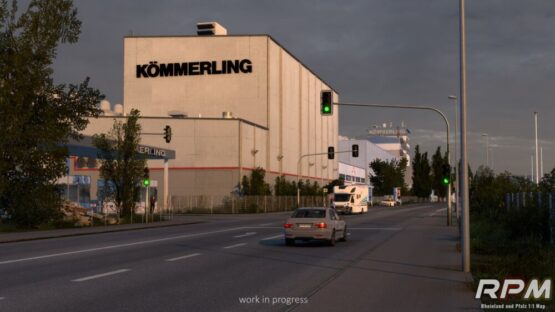
The region itself is located in southwest of Germany. The scale of the map is 1:1 so 1km reallife is 1km to drive in the map. It contains full new created features like a unique Police Control, pedestrians crossings, real traffic lights and many more!
In SCS-Scale the size of the map is around 2.000km
And plenty of new features to discover.
INSTALLATION INSTRUCTIONS
Before starting the installation:
1)Buffer page size
STEP 1: Go to Documents\Euro Truck Simulator 2 and open the config.cfg file
STEP 2: Find the line where “uset r_buffer_page_size” is located.
STEP 3: Change the value of “uset r_buffer_page_size” from “10” to “50”.
STEP 4: Save and close the file.
Downlaod:
The whole map is packed into 2 .rar files. To play the map, you need to download both files!
After downloading, unzip both files into your ets2 mod folder.
The map needs a new profile !
How to create a new RPM game profile
STEP 1: Start a new profile
STEP 2: Select all 6 mods in the correct order (as shown in the following section)
STEP 3: Select rpm.mbd as the map module
STEP 4: Start the game
Loading order:
RPM – Special Transport DLC
RPM – Definitions
RPM – Map
RPM – Prefabs
RPM – Assets
RPM – Models 1
RPM – Models 2
Enjoy Playing!
Credits:
RPM – Modding
LINKS:
https://sharemods.com/5p9vq2cxn051/RPM_1.1_Part1.zip.html
https://sharemods.com/fyjc5vmc37hv/RPM_1.1_Part2.zip.html
https://modsbase.com/xjsr2wsxi7k3/RPM_1.1_Fix_V.1.scs.html
Authors:
RPM – Modding
Download Link: Download mod
* By clicking [Download mod] button you agree to leave this website. The link opens in the new tab. File is hosted in the external website. We are not responsible for the content of the external page and the possibility of free download of the file.