ETS2 GPS For Buses.
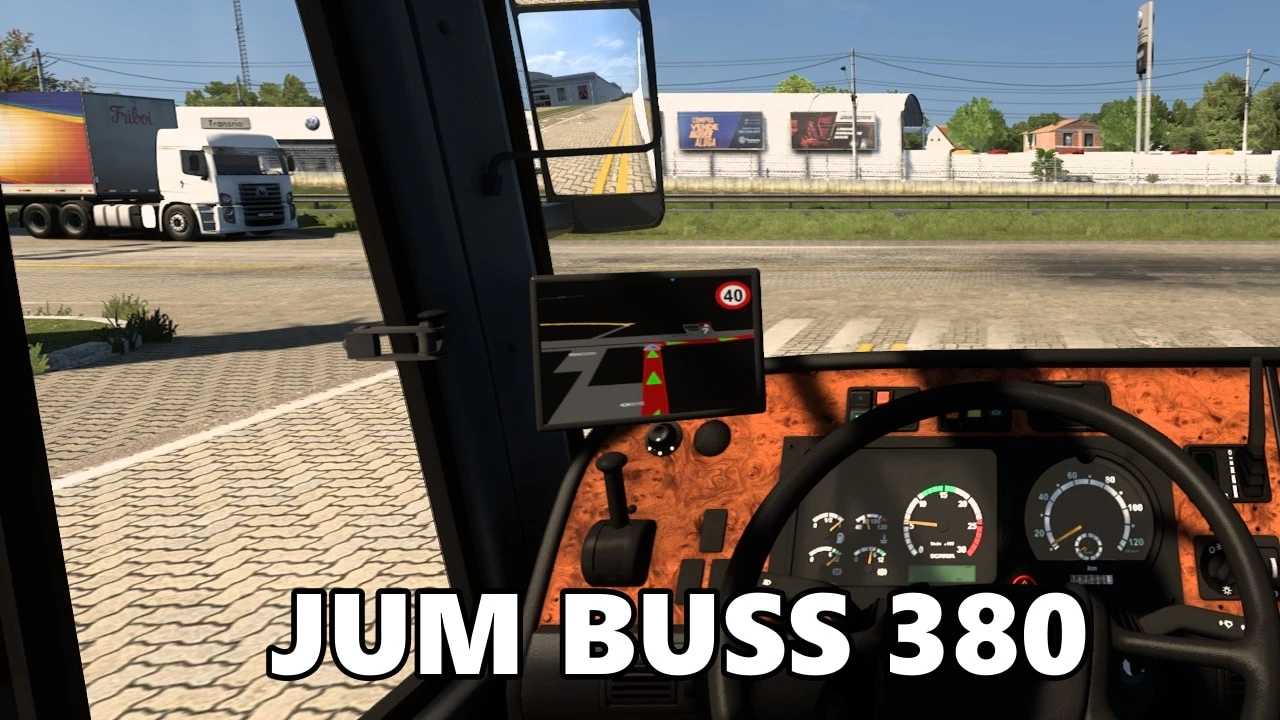
Descriptions:
In Euro Truck Simulator 2 (ETS2), the GPS functionality is primarily designed for trucks, as that’s the core focus of the game. However, when you use **bus mods**, the GPS functionality generally carries over and works in similar ways, though there might be some specific considerations or alternative solutions for buses.
Here’s how GPS works for buses in ETS2 and what to consider:
**1. Default Route Advisor (HUD GPS):**
* This is the most common and always-available GPS in ETS2. You can toggle its display and size using the **F3 key** (by default).
* Even when driving a bus mod, the default Route Advisor will show your route, speed limit, estimated time of arrival, and other job-related information. This works for any vehicle you drive in ETS2, including modded buses and cars.
**2. In-Dashboard GPS:**
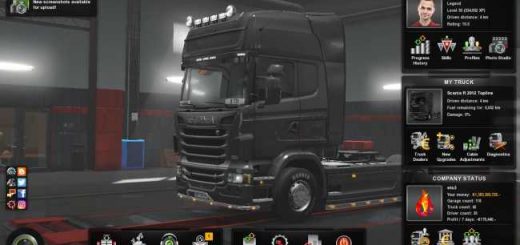
* Many high-quality truck and bus mods will have a **built-in GPS screen integrated into the dashboard**.
* For SCS (official) trucks, you can usually toggle the display modes (zoom levels, off) of this dashboard GPS using a specific keybind (often “Dashboard Map Mode” which needs to be assigned in controls).
* For bus mods, whether the in-dashboard GPS functions depends on how the modder implemented it. Most good bus mods will have a functional dashboard GPS that behaves similarly to the official trucks.
* Sometimes, if the GPS screen appears blank, it might be due to a specific setting in the mod itself or a conflict with another mod.
**3. Mountable GPS Devices (Cabin Accessories DLC):**
* If you own the **Cabin Accessories DLC**, you can purchase and mount small GPS devices (like Garmin-style navigators) on the dashboard or windshield of your vehicle.
* These portable GPS units provide the same navigation information as the main Route Advisor and are a popular option for immersion, especially if a bus mod doesn’t have a built-in dashboard GPS or if you prefer a different placement.
* These are generally compatible with most bus mods as they utilize the standard accessory slots.
**4. External GPS Solutions (Mobile Route Advisor/Telemetry):**
* For even more immersion, some players use **external apps or web interfaces** that connect to ETS2’s telemetry data.
* The “Mobile Route Advisor” (like the one mentioned by Mike Koch) allows you to display your GPS, job info, truck damage, etc., on a separate device (like a tablet or smartphone) via a web browser. This acts as a real-world second screen for your GPS, freeing up your in-game view. This works perfectly fine for buses as it’s independent of the vehicle model.
**5. GPS for Buses – Mod Specifics:**
* **Bus Mods:** The quality and features of GPS can vary depending on the bus mod itself.
* **Well-made bus mods** (like those from reputable Brazilian modders or those found on the Steam Workshop) will often have a fully functional in-dashboard GPS.
* **Simpler or older mods** might only rely on the default F3 HUD GPS.
* **Passenger Mods:** If you’re running a “passenger mod” alongside your bus mod (which allows you to pick up and drop off virtual passengers), the GPS will guide you to passenger pickup points and drop-off terminals just like it guides you for cargo deliveries.
**Troubleshooting GPS Issues with Bus Mods:**
* **Mod Order:** Ensure your bus mod is in the correct load order in the Mod Manager. Conflicts with other mods can sometimes cause GPS screens to go blank or not display correctly.
* **Game Version:** Always verify that your bus mod is compatible with your current ETS2 game version. Outdated mods are a common cause of issues.
* **Mod’s Description:** Read the mod’s description carefully. It might specify any unique GPS features, requirements, or known issues.
* **Mod Forums/Community:** If you’re having persistent issues, check the mod’s official forum thread or community pages. Other users might have encountered similar problems and found solutions.
In short, you don’t typically need a separate “GPS mod for buses” as the game’s existing GPS systems (HUD, in-dashboard, accessories) usually integrate well with bus mods. The key is to use well-made and updated bus mods.
Authors:
jotta
Download Link: Download mod
* By clicking [Download mod] button you agree to leave this website. The link opens in the new tab. File is hosted in the external website. We are not responsible for the content of the external page and the possibility of free download of the file.