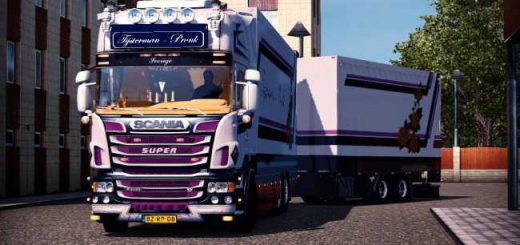
Volvo FM Bitruck ets2
Descriptions:
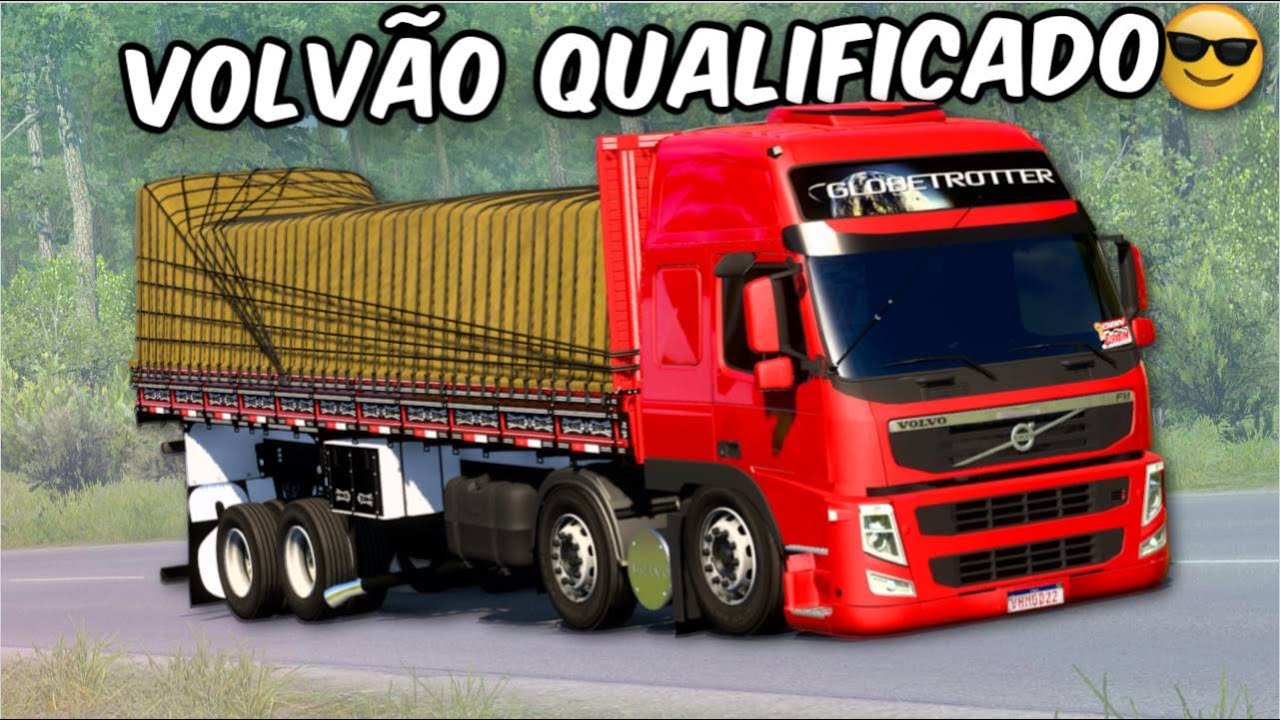
The Volvo FM Bitruck is a very popular truck configuration in Brazil and, as such, it’s a favorite among **Euro Truck Simulator 2 (ETS2)** players, especially those who enjoy a more “Brazilian” feel to their gameplay.
Since the Volvo FM Bitruck isn’t a standard configuration in the base ETS2 game, players rely on **mods** to bring it into the simulator. These mods often include:
* **Custom Chassis:** A “Bitruck” typically refers to a truck with an extra axle at the front, making it a 10×2 or 8×2 configuration. This allows for heavier loads and is common in Brazil.
* **Brazilian-style Customizations:** Many mods for the Volvo FM Bitruck will include accessories popular in Brazil, such as:
* **”Foguinho” lights:** Small, colorful lights often placed along the sides or rear of the truck.
* **Mudflaps (lameiros):** Often customized with designs or phrases.
* **Specific horn sounds:** Such as the “buzina verdureiro” (greengrocer’s horn).
* **Antenna PX:** CB radio antennas.
* **Interior customization:** Unique dash setups, different seat options, etc.
* **Engine and Transmission Options:** Mods usually offer a variety of engine and transmission choices to suit different playstyles and load types.
* **Compatibility with Game Versions:** Mod creators regularly update their Volvo FM Bitruck mods to work with the latest versions of ETS2 (e.g., 1.49, 1.50, 1.53, 1.54, etc.). It’s crucial to download a mod compatible with your specific game version to avoid issues.
* **Invisible Cargo Packs:** Some mods might come with or recommend “invisible cargo packs” for maps that don’t have built-in cargo compatibility for bitruck configurations, allowing you to pick up loads even if they don’t visually fit the truck’s bed.
### Where to Find Volvo FM Bitruck Mods for ETS2
You can usually find these mods on:
* **YouTube Channels:** Many Brazilian ETS2 YouTubers (like “Wanderley Simulador,” “Underlay Simulador,” “Cláudio Gamer Oficial,” and “Tech Gamer”) regularly showcase and provide download links for Volvo FM Bitruck mods in their video descriptions. These links often lead to Google Drive or other file-sharing services.
* **ETS2 Mod Websites:** Dedicated ETS2 modding websites are another common source. Just be sure to check the comments and ratings to ensure the mod is reliable and safe to download.
### How to Install ETS2 Mods
1. **Download the Mod:** The downloaded file will usually be in `.scs` format.
2. **Locate Your Mod Folder:** For ETS2, this is typically found at `Documents\Euro Truck Simulator 2\mod`.
3. **Place the `.scs` File:** Copy and paste the downloaded `.scs` file into the `mod` folder.
4. **Activate in Game:**
* Launch Euro Truck Simulator 2.
* From the main menu, go to “Mod Manager.”
* Find the Volvo FM Bitruck mod in the list and double-click it (or use the arrow button) to move it to the “Active Mods” section on the right.
* Click “Confirm Changes.”
After these steps, you should be able to purchase and customize your Volvo FM Bitruck at a truck dealer in the game!
Do you have a specific version of ETS2 you’re playing, or are you looking for a particular style of Volvo FM Bitruck mod?
Authors:
vandeley
Download Link: Download mod
* By clicking [Download mod] button you agree to leave this website. The link opens in the new tab. File is hosted in the external website. We are not responsible for the content of the external page and the possibility of free download of the file.